.png)
Autodesk Download Isn’t the Decision—Workflow Readiness Is
When budget season tightens, the focus often falls on which Autodesk licence to buy first. The real question is whether your drafting workflow can turn that licence into faster, reusable delivery. An Autodesk download alone won’t cut documentation time or protect project margin without a 3D parametric process backing it. Let’s explore how pairing your software with the right workflow sets you up to meet deadlines and justify spend confidently.
For those looking to gain more from their Autodesk software, the Revit BIM Software Guide offers insights into how fast 3D parametric modelling can be a game-changer. Additionally, learn how to stop redrawing and instead build a reusable system by visiting Revit City’s guide. Finally, for Australian SMEs, starting to build a robust parametric system with Autodesk Revit is elaborated in our focused article here.
The Real Question in Software Spend
Beyond the Autodesk Download
Many believe that downloading Autodesk software is the final step in improving project delivery. But the truth is, it's just the beginning. The real work starts with how you apply it to your workflow. A simple download won't guarantee faster outcomes or protect your margins.
Budget Season Pressure Points
When the fiscal year approaches, decision-makers often face the pressure to justify software expenses. But choosing an Autodesk licence shouldn't be about justifying the spend alone. It's about ensuring that the software genuinely adds value to your projects.
Aligning Software with Workflow
The key is to align your software capabilities with a robust workflow. This strategy ensures that your Autodesk tools aren't just sitting unused but actively enhancing your delivery processes.
Workflow Readiness Over Software Choice
Importance of a Reusable 3D Workflow
A solid 3D workflow is vital. It allows for the creation of models that can be reused across projects, cutting down on unnecessary rework. This not only saves time but also ensures precision and consistency.
Reducing Rework and Protecting Margins
Rework is a common issue in construction and can eat into your profits. By adopting a workflow that integrates 3D parametric processes, you minimize errors and safeguard your margins.
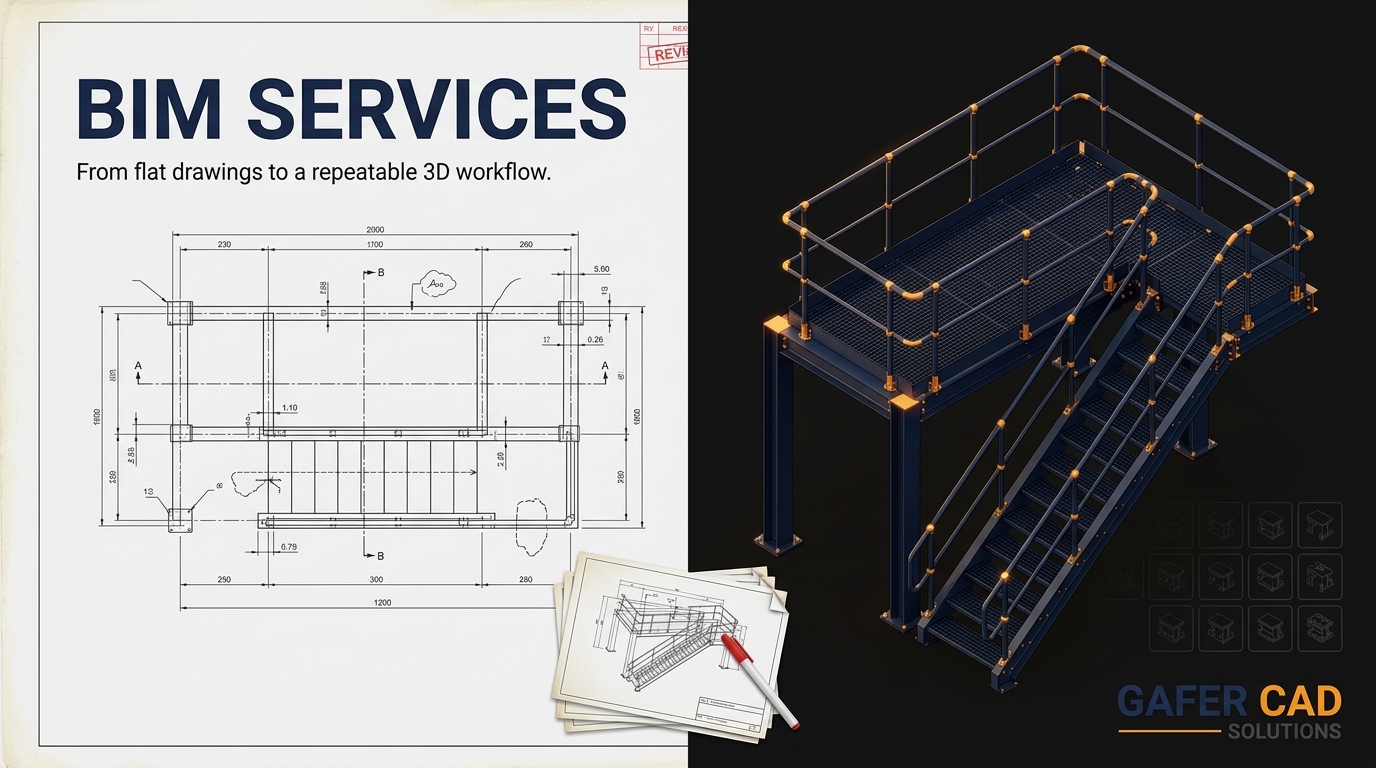
From 2D to 3D Transition
Transitioning from 2D to 3D might seem daunting, yet it's crucial. It bridges the gap between planning and execution, enabling your team to work more efficiently and deliver quality outputs.
Making the Most of Your Autodesk Licence
Practical Steps for Workflow Readiness
To truly benefit from your Autodesk licence, follow these steps:
Assess Current Workflows: Identify areas needing improvement.
Implement 3D Processes: Move beyond 2D for better clarity.
Train Your Team: Ensure everyone is comfortable with new tools.
Benefits of a Parametric Process
A parametric process offers numerous advantages. It streamlines drafting, reduces time-to-completion, and lowers the risk of costly errors, making every project more predictable and efficient.
Gafer CAD Solutions: Your Trusted Partner
Gafer CAD Solutions is here to support your transition. With expertise in Revit, Advance Steel, and SolidWorks, we help you establish a workflow ready to maximise your Autodesk investment.
Frequently Asked Questions
Why is a 3D workflow important?
A 3D workflow is crucial because it enables the creation of reusable models, reduces errors, and ensures consistency across projects, ultimately saving time and resources.
How can I transition from 2D to 3D?
Start by assessing your current workflow, then integrate 3D processes with the help of training and tools from Gafer CAD Solutions. This ensures a smoother transition and maximised efficiency.
What are the benefits of parametric processes?
Parametric processes offer streamlined drafting, faster project completion, and reduced error risks, making project outcomes more predictable and efficient.
Comments