.png)
MEP Engineering, Standardised: Turn One‑Off Drafting Into Automated 3D Rules
You’ve spent hours chasing consistency across mixed drawing standards, only to face messy revisions every time a model changes. For MEP engineering teams in Australia, this wastes time during critical planning windows. What if your drafting standards were built into your workflow, so every project starts with the same automated 3D rules? This approach cuts documentation from weeks to hours while keeping coordination tight and AS/NZS compliance on track. Learn more about how these standards can be optimised.
Streamlining MEP Drafting Standards
When it comes to drafting standards, consistency is key. By embedding standards directly into your workflow, you can ensure every project starts with the same foundation, reducing errors and saving time.
Standardising MEP Workflows
Standardising workflows is like setting a reliable compass for your projects. Once your MEP workflows are standardised, they ensure every project adheres to the same rules, reducing the time spent on revisions. Imagine having a set guideline that your entire team follows, no second-guessing involved.
Creating reusable templates is a game changer. These templates form the backbone of your drafting process. When you have a library of templates, you're not reinventing the wheel each time. Instead, your team can focus on the specifics of each project without wasting time on the basics. This approach not only saves time but also enhances the quality of your work by ensuring uniformity across projects.
Consistency Through Reusable Standards
Reusable standards mean less chaos and more order. By leveraging these standards, your MEP documentation becomes consistent and predictable. The more you use these standards, the smoother your projects run. This predictability is crucial when you're working against tight deadlines.
When every team member knows the standards inside out, it fosters a sense of confidence. They know what to expect and can focus on their strengths. Moreover, reusable standards are not static; they evolve with your projects, making them more valuable over time. They turn one-off drafting jobs into streamlined processes that move from weeks to mere hours, as noted in this success story.
The Role of Automation in Drafting
Automation is the secret sauce that ties everything together. It takes the repetitive tasks off your plate, freeing up your time for more critical work. By automating these tasks, you ensure that standards are met consistently, without human error sneaking in.
Consider how automation helps in identifying errors early, making adjustments quicker and more efficient. With a robust automated system, you reduce the risk of costly on-site modifications. The longer you wait to implement these systems, the more time you waste on avoidable revisions. The benefits of automated drafting are clear: faster processes, reduced errors, and ultimately, more successful projects.
Transitioning to 3D Modelling
Transitioning from 2D to 3D is not just a trend but a necessity for modern engineering projects. Embracing 3D modelling brings clarity and precision.
Benefits of 2D to 3D Transition
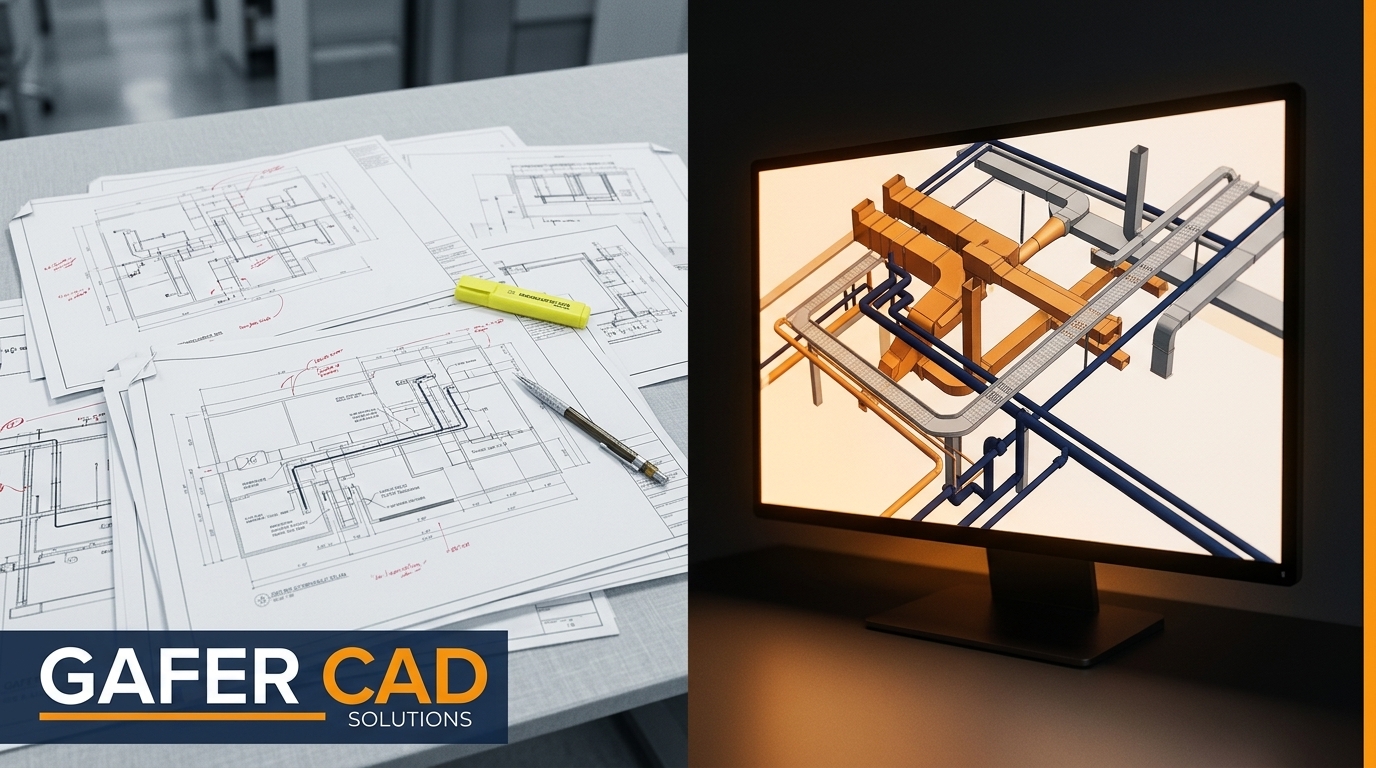
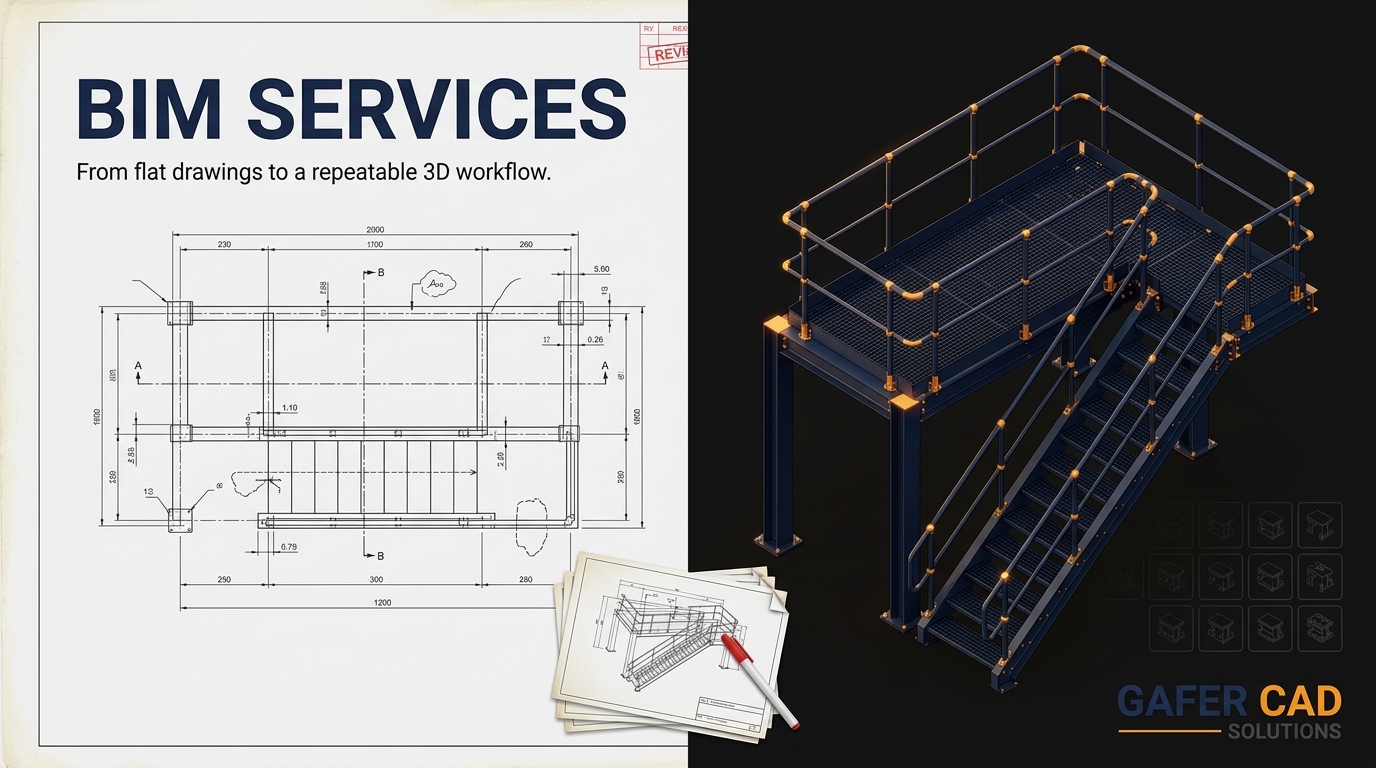
Moving from 2D to 3D is like upgrading from a map to a GPS. The clarity and precision it offers are unmatched. This transition allows your team to visualise projects in greater detail, facilitating better decision-making.
3D modelling reduces ambiguity, making it easier for everyone involved to understand the project's intricacies. With 3D, you can spot potential issues before they become problems, saving time and resources. The improved collaboration between teams leads to more cohesive project outcomes. This is especially crucial when dealing with complex MEP systems where precision is paramount.
Revit MEP Families and Parametric Modelling
Revit MEP families are the building blocks of efficient and flexible designs. They allow you to create parametric models that adapt to the specific needs of your projects. With parametric modelling, you can make adjustments on the fly, without starting from scratch.
Parametric models are like having a Swiss Army knife for your projects; they're versatile and ready for any situation. They allow for seamless adjustments, ensuring that your models are always accurate and up-to-date. This adaptability reduces the time spent on revisions and ensures that your designs meet all necessary standards.
SolidWorks and Advance Steel Integration
Integrating SolidWorks and Advance Steel takes your drafting capabilities to the next level. These tools enhance collaboration and ensure that all parts of your project align perfectly. The integration streamlines the transition from design to fabrication, reducing errors and saving time.
With these tools, you can produce shop drawings that are fabrication-ready, reducing the need for costly on-site adjustments. The integration of SolidWorks with MEP systems ensures that your designs are not only accurate but also practical, making them easier to implement on the ground.
Enhancing Project Efficiency and Compliance
Efficiency and compliance are two sides of the same coin. By enhancing both, you ensure that your projects run smoothly and adhere to all necessary regulations.
MEP Coordination and AS/NZS Compliance
MEP coordination is critical in ensuring that all systems work together seamlessly. Compliance with AS/NZS standards is non-negotiable, and maintaining this compliance ensures that your projects meet all necessary safety and quality requirements.
When your teams are working in harmony, it reduces the chances of errors slipping through. Ensuring compliance with standards not only meets legal requirements but also enhances the quality of your work. It builds trust with clients and stakeholders, showing them that your work is top-notch.
Fabrication-ready Documentation and Shop Drawings
Having fabrication-ready documentation means that by the time your designs reach the shop floor, there are no surprises. Shop drawings provide the detailed information needed to bring designs to life accurately.
This level of documentation ensures that there are no discrepancies between design intent and the final product. It reduces the likelihood of costly errors and rework, allowing projects to progress smoothly. The clearer the documentation, the more efficient the fabrication process, leading to better project outcomes.
Reducing Documentation Time with Automated Drafting
Automated drafting drastically cuts down on the time needed for documentation. By streamlining this process, you free up valuable time for other tasks.
With automated drafting, what used to take weeks can now be done in hours. This significant reduction in time allows your team to focus on other critical aspects of the project. As a result, projects are completed faster, and resources are utilised more effectively, as highlighted in this article.
Frequently Asked Questions
What are the benefits of transitioning from 2D to 3D for MEP projects?
Transitioning to 3D provides increased clarity and precision, reducing ambiguity and facilitating better decision-making. It allows teams to visualise projects in detail, leading to more cohesive outcomes and reducing time spent on revisions.
How do Revit MEP families aid in achieving efficient designs?
Revit MEP families enable the creation of adaptable parametric models. These models allow for seamless adjustments, ensuring accuracy and compliance with standards, which reduces the time spent on revisions.
Why is automation important in MEP drafting?
Automation removes repetitive tasks, ensuring consistent application of standards. It reduces human error, saving time and resources, and leads to faster project completion.
How can reusable standards improve MEP drafting processes?
Reusable standards create consistency, reducing chaos and improving order in documentation. They ensure predictable outcomes across projects, saving time and enhancing project quality.
What role do SolidWorks and Advance Steel play in MEP drafting?
These tools enhance collaboration and streamline the transition from design to fabrication. They reduce errors and produce shop drawings that are ready for fabrication, improving project efficiency and accuracy.
Comments